
VK Video Downloader
Download public VK videos for free: paste a link from vk.com, vk.ru, or vkvideo.ru and choose an available MP4 quality.
Fetching video...
Download public VK videos online
This free online VK video downloader saves an available video file to your phone or computer. Paste the page URL for one public video or Clip; there is no software to install. Links from vk.com, vk.ru, vkvideo.ru, and supported mobile subdomains can work when they identify an individual video.
The video must be accessible without signing in to VK. A video limited to a particular audience or requiring a login cannot be downloaded here. VK also needs to provide a complete MP4 file for the download.
The result shows the video title, thumbnail, duration, available qualities, and approximate sizes. Choose an HD resolution for everyday viewing or check for 4K quality when extra detail matters. Each result is an existing MP4 file supplied by VK.
For occasional downloads, using a website avoids installation. If you prefer another way to save videos, compare browser extensions, installed apps, or Telegram bot options. Each has different setup and file-delivery requirements.
How to download a VK video
You only need the page URL for an individual public VK video or Clip.
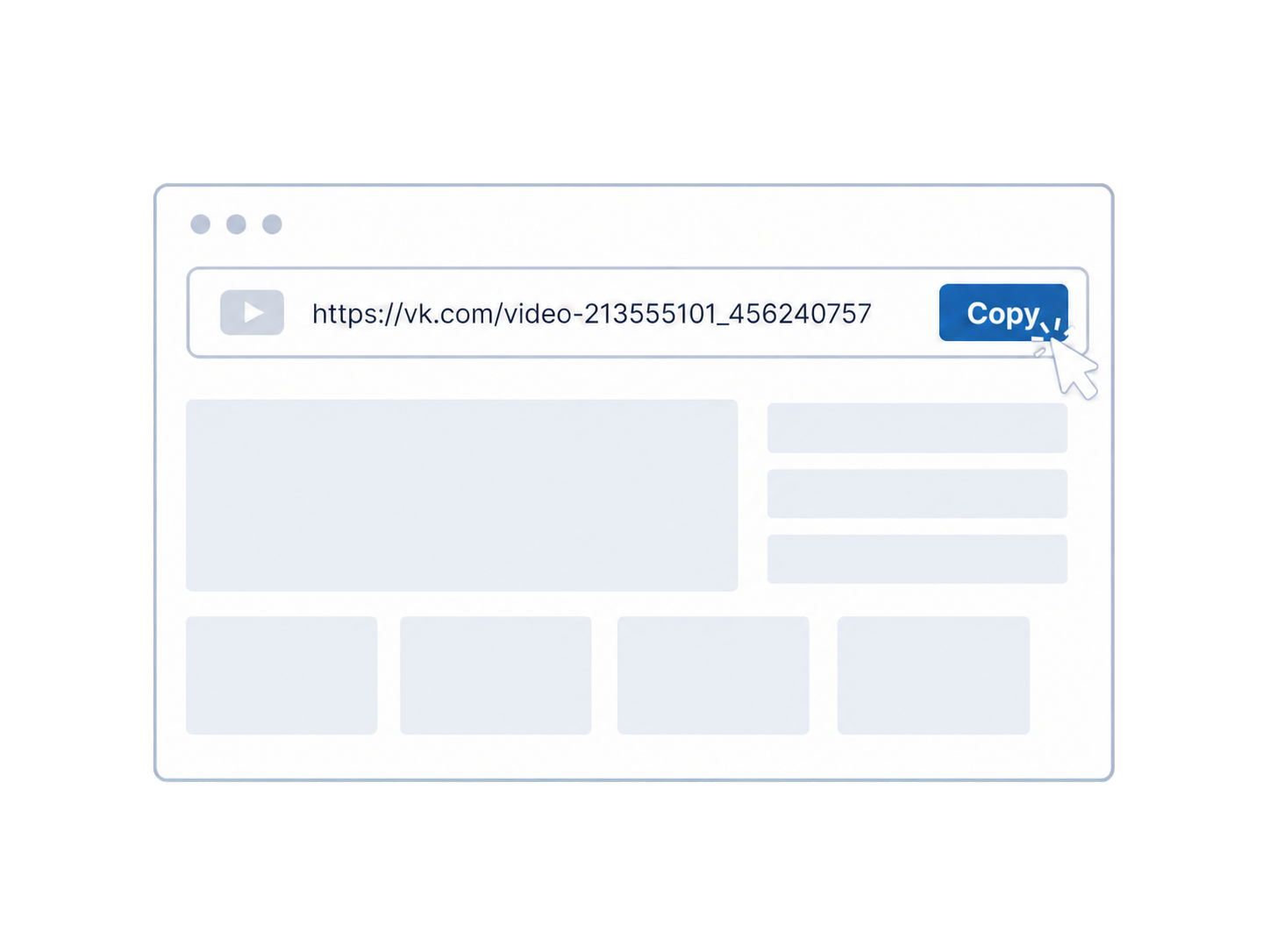
Copy the VK video URL
Open the individual video or Clip and copy its complete page link. If you found it in a post, open the video itself first.
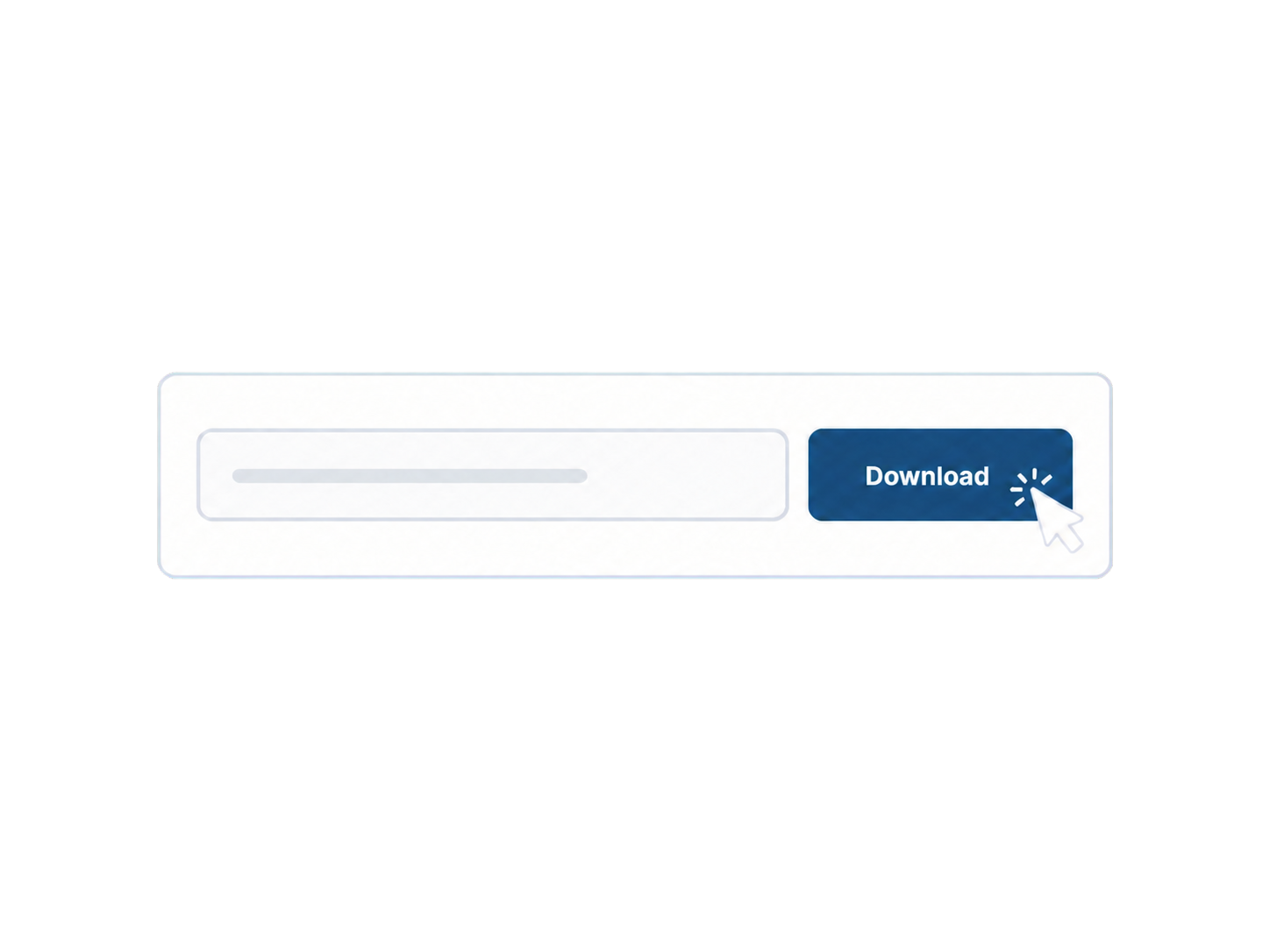
Check available MP4 qualities
Paste the URL into the field above and click Download. Check the returned title and thumbnail to confirm that you have the right video.
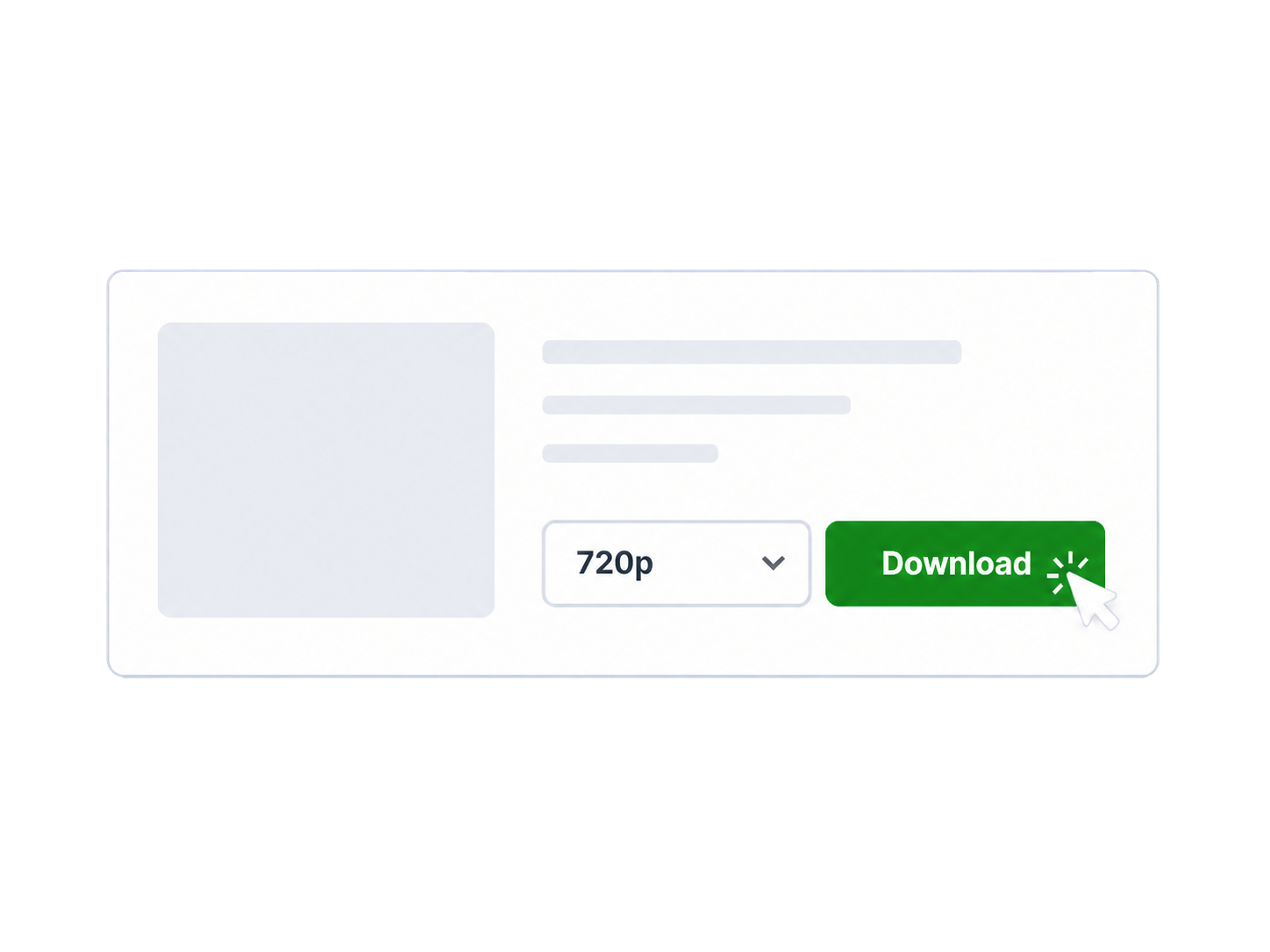
Download the VK video
Choose a resolution, then click Download in the result to start saving. The filename includes the video title and selected quality.
VK links and results you may see
Use a complete link copied from VK. The patterns below use placeholders to show what an individual video address looks like.
An individual video link
A standard pattern is vk.com/video{owner_id}_{video_id}, with numeric IDs in a real link. A video found inside a wall post still needs its own video link. Copy the full address from VK instead of typing IDs or pasting an entire post with several videos.
A long recording
For a lecture or other long-form video, compare the listed sizes before starting. If you only need to watch on a phone, a smaller option may be sufficient. Check free storage and keep the original page URL so you can request a fresh result if necessary.
A mobile link or Clip
A mobile-domain pattern such as m.vk.com/video{owner_id}_{video_id} still identifies one video. For a short-form item, use its own Clip link. A profile or feed address is not enough. VK Stories use a different type of link and are not supported here.
Several qualities for one video
For example, a result might list 360p, 720p, and 1080p. Select the file you want, then click Download to start the transfer. A smaller listed size can mean a quicker transfer on the same connection, but actual speed depends on the network and VK.
Why a VK video may not download
Start with the error and the original VK page. One failed link does not show whether other videos are downloadable.
The link points to a collection
Open the specific item before copying its URL. For a video album or playlist, open and copy each item separately. Each item needs its own video link.
Playback requires an account
If VK asks you to sign in or limits the audience, this tool does not inherit your viewing access. If you own the video, use your original file; otherwise, ask the uploader for a copy you may save.
The original page is unavailable
Open the original VK page again and check its message. If the video was removed or its audience changed, ask the uploader for an available copy. For a temporary network error, wait briefly before trying again.
Playback works, but no MP4 is listed
VK can play a video using separate streaming parts without offering a complete MP4 to this tool. Check that you copied the individual video link. If it still returns no file, that video may have no supported download here.
The request or download stopped
For a temporary request error, wait briefly and retry the original video URL. If a result appeared but the transfer stopped, check your browser download list, connection, and storage. Request a fresh result if the old file address no longer works.
VK Video Downloader FAQ
What kinds of VK videos can be downloaded?
The tool supports individual public video and Clip links from vk.com, vk.ru, and vkvideo.ru, including supported subdomains. The URL must contain a recognizable video or Clip ID, and VK must provide at least one complete MP4 file.
How do I use the VK video downloader?
Copy the individual public VK video page URL, paste it into the tool, and click Download to get the result. Choose an available MP4 quality, then click Download in the result to save that file.
Why is a VK video not downloading?
The video may be private, require a login, be deleted, be unavailable in the current region, be restricted for copyright reasons, expose no direct MP4 file, or be affected by a temporary VK or network error.
Are all resolutions and MP4 options always available?
No. The result only lists complete MP4 files provided by VK for the submitted video. The tool does not create a missing resolution, upscale the source, or convert a stream-only video into MP4.
Can public VK videos still be downloaded?
Availability is decided per video rather than by one permanent rule. A public video may expose direct MP4 files today, offer only stream-based playback, or become unavailable later if its access state or VK delivery changes.
How accurate is the displayed file size?
Every size is marked with a tilde because it is approximate. Some values are based on a VK CDN response header and others are estimated from the video duration and resolution, so the final transferred size can differ.
Is downloading from VK safe and allowed?
This site does not ask for VK credentials and only handles the link you submit. Download only content you own or have permission to save, and follow VK's terms and the laws that apply to you.
Where is the downloaded VK video saved?
Your browser controls the save location, usually the Downloads folder unless you changed that setting. The filename uses the video title followed by the selected resolution.
Does this site store the video file?
No. The selected file is streamed from VK's CDN through the download endpoint and is not stored by this site. A temporary source link can expire, so submit the original VK page again if needed.
Disclaimer
Download only videos you own or have permission to save. You are responsible for complying with VK's terms and applicable copyright laws. This site is not affiliated with VK.